
Tiny Billiard
Played: 906 times.
Description:
Welcome to Tiny Billiard on Gameswish, a colourful and entertaining online billiards game that brings the enjoyment of pool into a compact, easy-to-play experience. If you enjoy sports games, aiming challenges, and the satisfaction of making a well-planned shot, Tiny Billiard offers a fun way to spend your free time.
Billiards is a game that combines accuracy, patience, concentration, and an understanding of angles. Even a simple shot can become an interesting challenge when you need to consider the position of the balls and decide how to approach the table. Tiny Billiard takes these familiar ideas and presents them through a cheerful 2D cartoon-style design with straightforward controls.
Unlike complicated sports simulations that require players to learn many controls before starting, Tiny Billiard focuses on accessible gameplay. Its simple mouse and touch interaction makes it approachable for beginners while still giving players opportunities to practise their aim and experiment with different shots.
You can enjoy the game directly on Gameswish without installing a separate game application. Whether you have a few minutes available or want to spend longer practising your shots, Tiny Billiard provides a light and enjoyable pool experience.
What Is Tiny Billiard?
Tiny Billiard is a casual billiards and pool game developed by Mapi Games. It belongs to the sports and arcade game categories and features a colourful visual style designed to make the experience friendly and accessible.
The central attraction is the familiar idea of playing pool on a small virtual table. Players interact with the game using a mouse or touchscreen, making the experience suitable for different types of devices. Instead of presenting a complicated control system, the game uses a simple interaction style that lets players concentrate on the action.
One of the interesting elements of Tiny Billiard is its focus on trick shots. Players can challenge themselves to make more accurate shots, explore different angles, and improve their understanding of how to approach the balls on the table.
The game also includes different cue designs that players can unlock. These cues add visual variety and give players something extra to discover as they enjoy the experience.
Tiny Billiard is therefore a suitable choice for people who like casual sports games, mini pool experiences, and simple skill-based challenges.
Gameplay – Enjoy a Compact Pool Experience
The gameplay in Tiny Billiard is based on the familiar concept of billiards. The table, balls, and cue create an environment where aiming and timing are important parts of the experience.
Players interact with the game to take shots and enjoy the movement of the balls. A successful shot requires more than simply making contact with a ball. Position, direction, and the angle of the shot can all influence the result.
This is what makes billiards interesting. A shot that looks easy at first may require careful consideration, while a well-planned attempt can produce a satisfying result.
Tiny Billiard keeps the experience approachable with its one-touch control style. Players can focus on playing rather than spending a long time learning complicated button combinations.
The game is also designed around quick matches. This makes it convenient when you want a short gaming break. You can open Tiny Billiard on Gameswish, enjoy a few rounds, and return whenever you want another casual pool challenge.
Main Features of Tiny Billiard
1. Colourful 2D Cartoon Graphics
Tiny Billiard uses a cute and colourful 2D cartoon presentation. Its visual style gives the game a relaxed atmosphere and makes the pool experience feel less serious than a traditional sports simulation.
The simple presentation also helps keep attention on the table and the gameplay. Players can enjoy the colourful environment while concentrating on their next shot.
2. Simple One-Touch Controls
Easy controls are an important part of Tiny Billiard. The game supports mouse interaction on computers and touch interaction on compatible touchscreen devices.
This simple approach makes it easier for new players to start. You do not need to remember a long list of keyboard commands to enjoy the basic experience.
3. Quick Pool Matches
Tiny Billiard is designed for quick matches, making it a convenient choice for short gaming sessions. You can enjoy the pool experience without needing to commit to a lengthy sports simulation.
Its compact style is particularly suitable for players who enjoy casual browser games.
4. Trick Shot Challenges
Trick shots are another interesting part of the experience. Instead of always choosing the most obvious shot, players can experiment with angles and try to produce more impressive results.
Practising different approaches can make the game more enjoyable and help you become more confident when aiming.
5. Unlockable Cue Designs
Tiny Billiard features a variety of fun cues that players can unlock. Each cue has its own visual style and effects, adding extra personality to the game.
Collecting different cue designs can provide an additional reason to keep playing and exploring what the game offers.
6. Mouse and Touchscreen Support
The game supports mouse clicks and touchscreen taps. This makes it accessible to players using a desktop computer, laptop, or compatible mobile device.
You can choose the device that is most convenient for your gaming session.
How to Play Tiny Billiard
The main idea is to enjoy the pool gameplay by interacting with the billiard table and making shots. Follow the instructions displayed in the game when it starts.
Here are some general suggestions for getting started:
Step 1: Open the Game
Visit Gameswish and launch Tiny Billiard from its game page. Wait for the game to finish loading before interacting with the screen.
Step 2: Start Playing
Use your mouse or tap the screen to interact with the game. Follow any aiming or shot instructions shown in the game interface.
Step 3: Observe the Table
Before taking a shot, look carefully at the positions of the balls. Understanding the available space can help you decide which direction to aim.
Step 4: Plan Your Shot
Think about the angle and direction you want to use. Avoid rushing if you have an opportunity to consider your next move.
Step 5: Experiment with Trick Shots
Once you become comfortable with the basic interaction, try different approaches. Experimenting with angles can make the experience more interesting.
Step 6: Explore the Cue Designs
The game includes unlockable cue designs. Continue playing and explore the available options as you progress through the experience.
Game Controls
Tiny Billiard uses simple mouse and touchscreen interaction.
Desktop Controls
Mouse click: Interact with the game and play.
Mobile Controls
Touch or tap: Interact with the game using the touchscreen.
The exact aiming and shooting interaction should be followed from the instructions shown inside the game. The publisher's listed control instruction is mouse click or tap to play.
Tips and Strategies for Better Pool Shots
Although Tiny Billiard is designed to be easy to approach, improving your accuracy can make the experience more satisfying. Here are some general billiards tips that can help you think more carefully about your shots.
Study the Table Before Acting
Take a moment to observe the arrangement of the balls. Look at the available space and consider which direction might provide a better opportunity.
A little planning can help you avoid unnecessary mistakes.
Pay Attention to Angles
Angles are an important part of billiards. The direction in which the cue ball travels influences how it interacts with other balls.
As you play, pay attention to the results of your shots. This can help you understand which approaches work better in different situations.
Practise Your Accuracy
Do not focus only on making powerful shots. Accuracy is an important skill in pool games.
Try to understand how small changes in direction affect the outcome. With practice, you may become more confident when choosing your shots.
Be Patient
Rushing through every move can make it harder to plan properly. Take a moment to consider the table before interacting with the game.
Patience is especially useful when experimenting with more difficult shots.
Experiment with Different Approaches
Sometimes a direct approach may not be the most interesting option. Try different angles and see how the balls respond.
Experimenting is a useful way to learn and makes casual billiards games more enjoyable.
Enjoy the Learning Process
You do not need to become an expert immediately. Tiny Billiard is designed to be accessible, so beginners can enjoy learning through practice.
Focus on improving gradually rather than expecting every shot to be perfect.
Why Play Tiny Billiard on Gameswish?
Gameswish offers an online destination for players who enjoy browser-based games across different categories. From casual puzzles and arcade experiences to sports and action games, the platform brings a variety of gaming experiences together in one place.
Tiny Billiard is a good addition for visitors who enjoy simple sports games and want something different from traditional action or racing games.
Here are some reasons to enjoy Tiny Billiard on Gameswish:
Easy Access: You can open the game directly from its Gameswish page using a compatible web browser.
No Separate Game Installation: The browser-based format allows you to start playing without downloading a separate desktop game application.
A Variety of Game Categories: Gameswish features different types of games, allowing visitors to explore other experiences when they want something new.
Convenient Gaming Sessions: Tiny Billiard's quick-match style makes it suitable for short breaks and casual play.
Simple Controls: Mouse and touchscreen interaction make the game approachable for many players.
Gameswish aims to make discovering and enjoying online games straightforward. If you enjoy billiards, pool challenges, and casual sports experiences, Tiny Billiard is worth trying.
Who Should Play Tiny Billiard?
Tiny Billiard can appeal to several types of players.
Pool and Billiards Fans: Players who already enjoy traditional pool may appreciate having a compact digital version available in their browser.
Casual Gamers: Its simple interaction style makes it suitable for people who prefer games that are easy to start.
Beginners: Players who are new to billiards can use the experience to become familiar with aiming and thinking about shot direction.
Fans of Sports Games: Anyone who enjoys lightweight sports and arcade games may find Tiny Billiard an entertaining option.
Players Looking for Short Breaks: Quick matches make it convenient for people who want a small gaming session without committing to a long adventure.
Can You Play Tiny Billiard on Mobile?
Yes. The GameMonetize listing identifies Tiny Billiard as mobile-ready and provides touchscreen interaction as a supported control method.
This means you can try playing through a compatible mobile browser. Open the Tiny Billiard page on Gameswish and allow the game to load.
For a more comfortable experience, use a device with a responsive touchscreen and a stable internet connection. If the game does not fit your screen properly, try rotating your device or using the browser's available fullscreen option, if supported.
Actual performance may depend on your device, browser, and connection.
Frequently Asked Questions
1. What is Tiny Billiard?
Tiny Billiard is a colourful 2D mini-pool sports game developed by Mapi Games. It offers quick matches, simple controls, trick-shot gameplay, and unlockable cue designs.
2. Where can I play Tiny Billiard?
You can play Tiny Billiard online through its game page on Gameswish using a compatible web browser.
3. Is Tiny Billiard easy to play?
The game uses simple mouse and touch interaction, making it approachable for beginners. Players can gradually become more comfortable with aiming and different shots.
4. Who developed Tiny Billiard?
Tiny Billiard is developed by Mapi Games.
5. Does Tiny Billiard support mobile devices?
The GameMonetize listing marks the game as mobile-ready and lists tapping as a control method. You can try it in a compatible mobile browser.
6. What are the controls for Tiny Billiard?
The listed instruction is mouse click or tap to play. The game interface provides the relevant interaction guidance.
7. Does Tiny Billiard have different cue designs?
Yes. The game includes a variety of unlockable cues, each with its own style and effects.
8. Is Tiny Billiard a sports game?
Yes. It is a billiards-style sports game with arcade elements and a colourful presentation.
9. Do I need billiards experience to enjoy the game?
No previous billiards experience is necessary to try the game. Its simple controls make it accessible to newcomers, while experimenting with shots can provide an additional challenge.
10. Can I play Tiny Billiard during a short break?
Yes. The game is designed around quick matches, making it suitable for short casual gaming sessions.
Final Thoughts
Tiny Billiard is a cheerful mini-pool game that brings together simple controls, colourful 2D graphics, trick-shot opportunities, and different cue designs. Its accessible gameplay makes it a suitable choice for beginners, casual players, and people who enjoy billiards-inspired sports games.
The game does not need a complicated introduction. Open the table, interact with the game, practise your shots, and enjoy the experience at your own pace.
Categories:
Sports







Similar Games

Our Blog
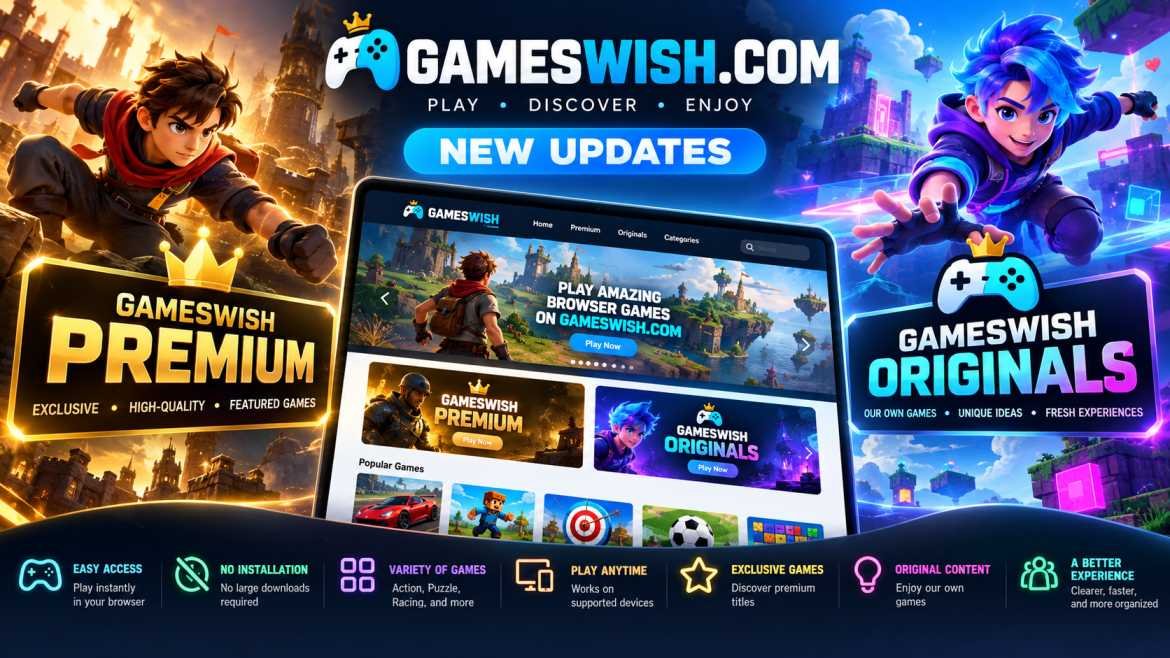
Gameswish Introduces a New Gaming Experience with Gameswish Premium and Gameswish Originals
Posted on: October 19, 2026
The online gaming industry continues to evolve as more people discover the convenience of playing games directly through their web browsers. From casual puzzle challenges to exciting action adven...

Word Finder
Posted on: September 30, 2026
Word Finder: Explore a Changing World of Word Puzzles
Word puzzle games have a simple appeal: the rules are easy to understand,
but finding the right answer can become surpri...

How WebGPU Is Improving Browser Game Graphics
Posted on: September 25, 2026
Browser games have changed significantly over the years. What started with simple
2D experiences has grown into a large ecosystem of games featuring detailed
environments, animations, lighting effec...
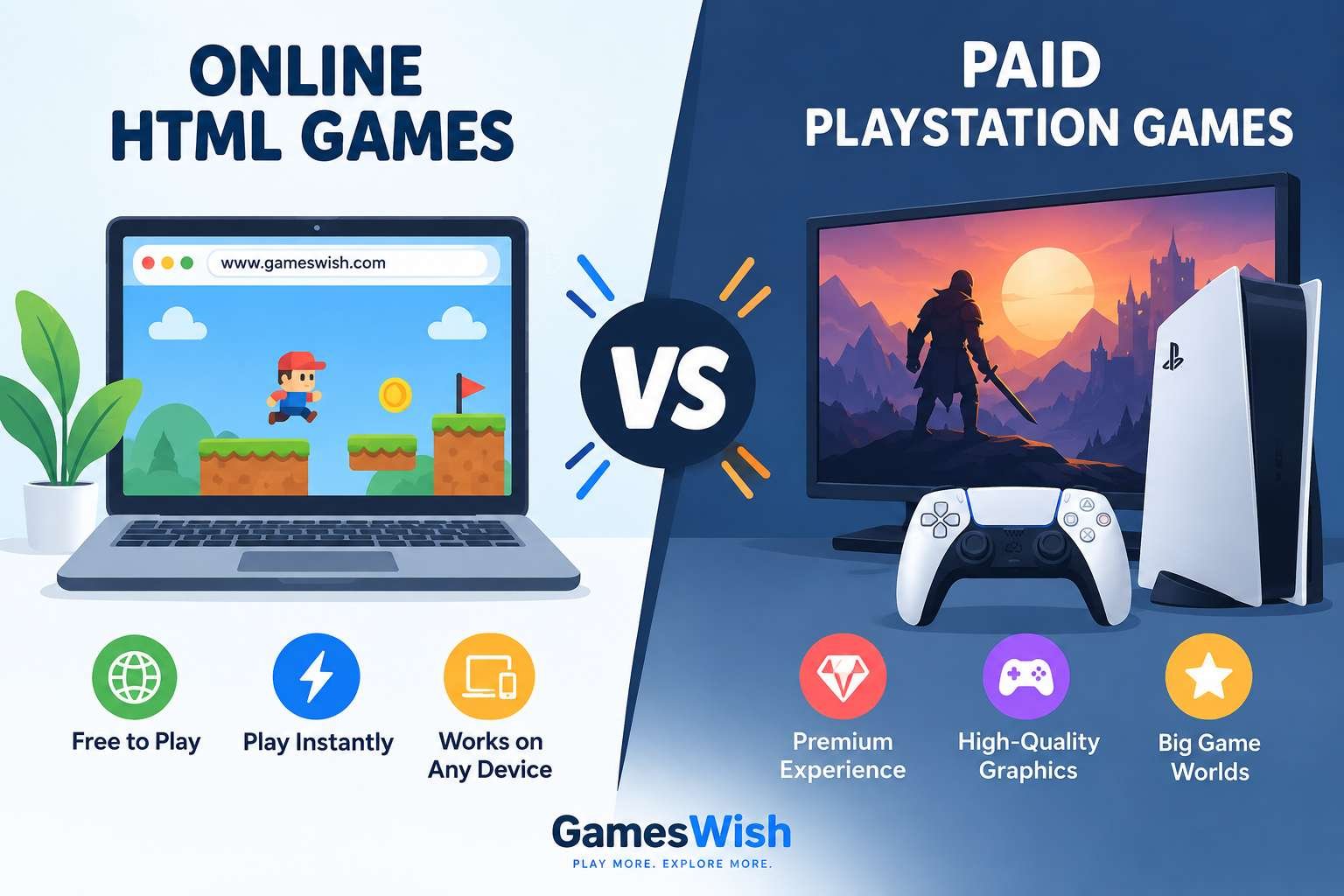
Online HTML Games vs Paid PlayStation Games: Differences, Pros and Cons
Posted on: September 18, 2026
Gaming has changed dramatically over the last decade. Players today can choose from thousands of free games that run directly inside a web browser, while premium console games continue to offer larg...
Read More
Zombotron Re-Boot
Posted on: September 10, 2026
Zombotron Re-Boot: Explore, Fight and Survive on a Mysterious Planet
If you enjoy action games that combine shooting, exploration, platforming, puzzles, and science-fiction mystery, Zombotron Re...
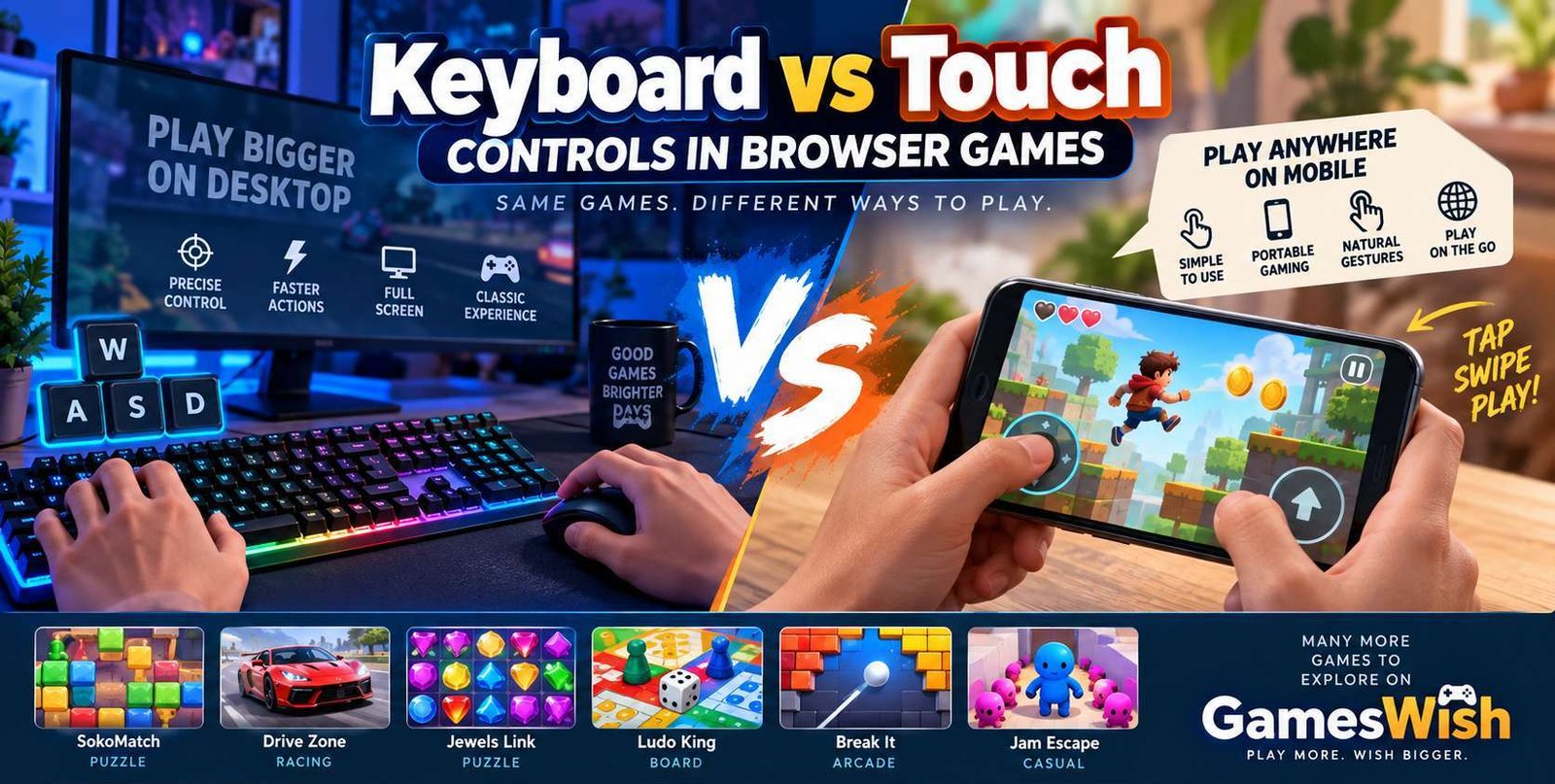
Keyboard vs Touch Controls in Browser Games
Posted on: August 16, 2026
Browser gaming has become increasingly accessible across computers, laptops,
smartphones, and tablets. Modern HTML5 technologies allow developers to create
game...
No comments yet. Be the first to comment!