
Keyboard vs Touch Controls in Browser Games
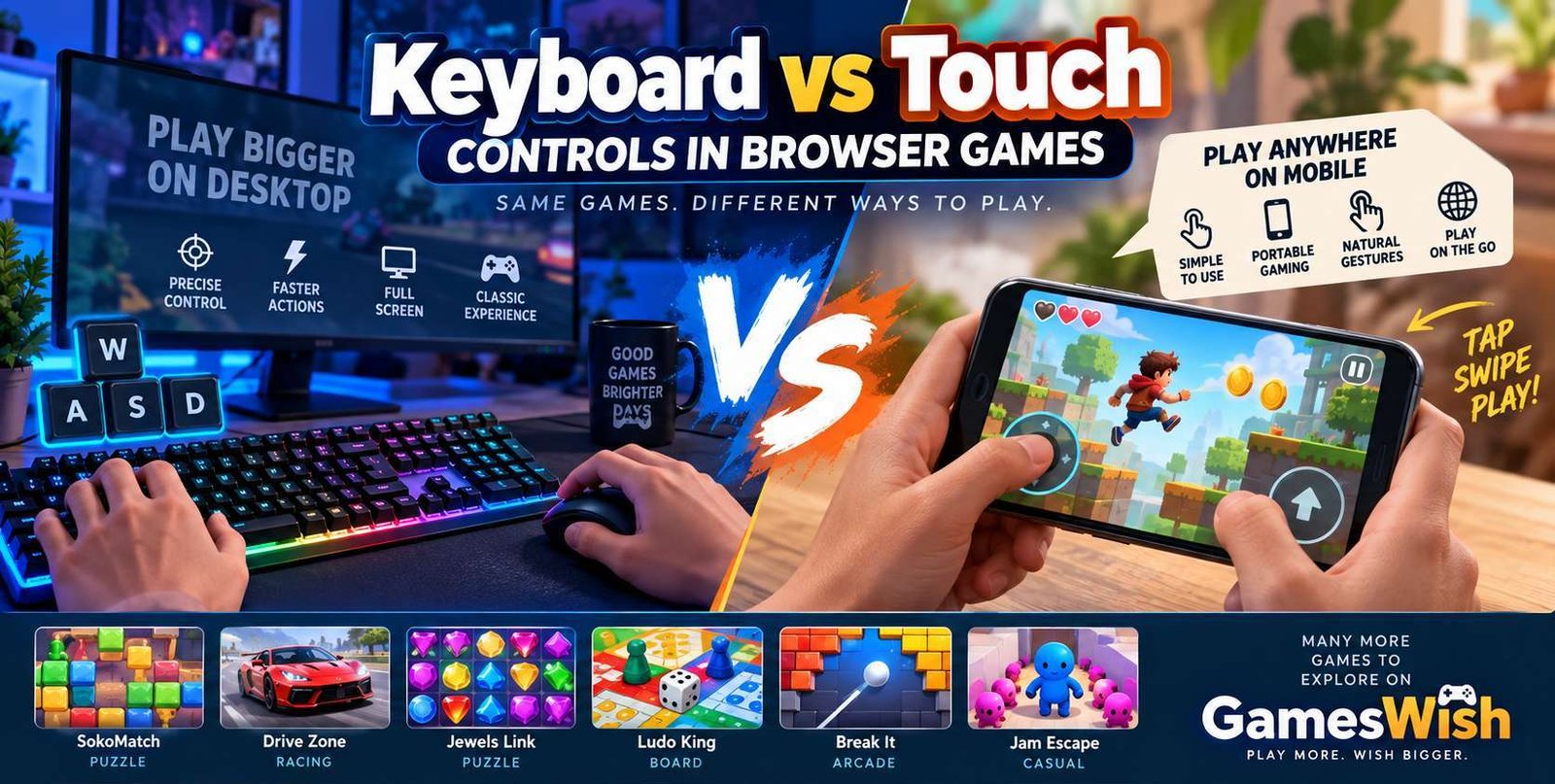
Published on: August 16, 2026
However, the gaming experience can change significantly depending on the device being used. A desktop player may use a keyboard and mouse, while a smartphone player may control the same type of game with a touchscreen.
In this guide, we explore keyboard vs touch controls in browser games, including their advantages, disadvantages, accuracy, convenience, mobile compatibility, and suitability for different types of HTML5 games.
What Are Browser Game Controls?
Game controls are the methods players use to interact with a game. Depending on the title and device, controls may include keyboard keys, mouse buttons, touchscreen gestures, virtual buttons, or gamepads.
Browser games can be played on many different devices, so developers need to consider how players will interact with the game. A control system that works perfectly on a desktop computer may not provide the same experience on a smartphone.
Good controls should be easy to understand, responsive, and appropriate for the type of gameplay. Controls are especially important in racing, action, puzzle, platform, and multiplayer games where timing and accuracy can affect the experience.
Keyboard Controls in Browser Games
Keyboard controls are commonly used on desktop and laptop computers. Players can use arrow keys, W, A, S, D, the spacebar, Shift, Enter, Escape, and other keys to control characters, vehicles, menus, and game actions.
A physical keyboard provides many individual keys, allowing developers to assign different actions to different buttons. This can be particularly useful for games that require several commands.
Common Keyboard Controls
- Arrow Keys: Movement or menu navigation.
- W, A, S, D: Character or vehicle movement.
- Spacebar: Jumping, braking, shooting, or another action.
- Shift: Running, boosting, or special abilities.
- Enter: Confirming selections or interacting with menus.
- Escape: Opening menus or pausing a game.
Advantages of Keyboard Controls
1. Precise Inputs
Physical keyboards can provide precise and consistent input. Players can press individual keys quickly and develop familiarity with frequently used controls.
2. Multiple Controls at the Same Time
A keyboard provides many separate keys, allowing players to combine movement and actions. This can be useful in games that require several commands during the same gameplay sequence.
3. Familiar Experience for PC Players
Many computer users are already familiar with keyboard controls. Players who regularly use desktop computers may find traditional keyboard layouts easy to understand.
4. The Screen Remains Unobstructed
Physical keyboard controls do not need to appear on top of the game screen. This means developers can use the available display area for gameplay.
5. Useful for Fast-Paced Games
Racing, action, platform, and arcade games can benefit from physical controls when fast reactions and accurate inputs are important.
Disadvantages of Keyboard Controls
1. Requires a Physical Keyboard
Keyboard controls are naturally suited to computers and laptops but are less convenient on smartphones and many tablets.
2. Different Games Use Different Keys
Each browser game may use a different control layout. Players may therefore need to learn a new set of keyboard commands when changing games.
3. Less Convenient for Mobile Gaming
Smartphone players generally do not carry a physical keyboard, making touchscreen controls a more convenient option for mobile browser gaming.
What Are Touch Controls?
Touch controls allow players to interact with a browser game directly through a smartphone or tablet display. Instead of pressing physical keys, players can tap, swipe, drag, hold, or use virtual buttons.
Common Touch Actions
- Tap: Select an object or perform an action.
- Swipe: Move or change direction.
- Drag: Move objects around the game area.
- Hold: Continue an action while touching the screen.
- Virtual Buttons: Replace traditional keyboard controls.
Advantages of Touch Controls
1. Excellent for Mobile Gaming
Touch controls are naturally suited to smartphones and tablets. Players can interact with compatible games without needing a separate keyboard or controller.
2. Simple Interaction
Touch controls can make casual games easy to understand. A player may simply tap an object, swipe across the screen, or drag an item to its destination.
3. Direct Interaction
Touchscreens allow players to interact directly with visual elements. This can work particularly well for puzzle, matching, sorting, and casual games.
4. Portable Gaming
Smartphones allow players to access compatible browser games from many locations. A suitable game can be played during a break, while travelling, or whenever the player has access to a suitable internet connection.
Disadvantages of Touch Controls
1. Fingers Can Cover the Screen
A player's finger can temporarily cover part of the display. This can make precision-based gameplay more difficult in some situations.
2. Less Physical Feedback
A touchscreen generally does not provide the same tactile feedback as a physical keyboard.
3. Precision Can Vary
Small touchscreen targets may sometimes be harder to select accurately, especially on smaller smartphone displays.
4. Screen Size Matters
Games with many virtual controls can become difficult to use if the interface is not designed carefully for smaller screens.
Keyboard vs Touch Controls: Main Differences
| Feature | Keyboard | Touchscreen |
|---|---|---|
| Best suited for | Desktop and laptop gaming | Smartphones and tablets |
| Physical feedback | Tactile feedback | Usually limited tactile feedback |
| Screen visibility | Controls stay outside the screen | Virtual controls may use screen space |
| Portability | Less portable without a laptop | Highly portable |
| Multiple commands | Very suitable | Depends on interface design |
Keyboard vs Touch Controls for Puzzle Games
Puzzle games can work well with both keyboards and touchscreens. However, touchscreen controls can feel particularly natural when a game involves tapping, dragging, sorting, or matching objects.
For example, players who enjoy logical challenges can try SokoMatch on GamesWish.
Another option is Jewels Link, which provides a colorful matching-style gameplay experience.
Players who enjoy traditional board-style gameplay can also try Ludo King.
Explore more titles through the GamesWish Puzzle Games category.
Keyboard vs Touch Controls for Racing Games
Racing games can benefit from keyboard controls because players can use separate keys for steering, acceleration, braking, and other actions.
Touchscreen racing games can also work well when they provide large virtual controls or simple steering systems.
If you enjoy driving games, try Drive Zone on GamesWish.
You can also discover additional driving experiences through the GamesWish Racing Games category.
Keyboard vs Touch Controls for Action Games
Action games can require quick movement, attacks, jumps, and other interactions. Physical keyboards can be useful when several actions need to be available at the same time.
Touch controls can also work well for action games when the interface uses large and responsive virtual buttons.
The most suitable control method depends on the game's design and the device being used.
Touch Controls and Mobile Browser Gaming
Smartphones and tablets have made touch controls an important part of modern browser gaming. Players expect compatible websites and games to work comfortably on smaller displays.
Responsive design is important because touchscreen devices come in many different sizes. Developers need to consider button placement, screen orientation, text size, and the amount of available gameplay space.
A good mobile game should also explain its controls clearly. Simple instructions such as "Tap to jump" or "Swipe to move" can help new players understand the game quickly.
Keyboard Controls and Desktop Gaming
Desktop and laptop computers remain useful platforms for browser gaming. Physical keyboards provide many individual keys and can be combined with a mouse for additional control.
This makes desktop devices suitable for browser games with more complex control systems or gameplay requiring several simultaneous commands.
Players can also try different GamesWish titles such as Break It and Jam Escape to explore different styles of browser gameplay.
Why Responsive Controls Matter
Responsive controls are important regardless of the input method. A keyboard should respond quickly when a key is pressed, while touch controls should respond accurately to taps and gestures.
Delayed or inconsistent input can make a game frustrating, especially when gameplay depends on timing.
Developers should therefore test their games on different devices and browsers to ensure that the control system works as expected.
Should Browser Games Support Both Keyboard and Touch?
When practical, supporting both keyboard and touch controls can make a browser game accessible to a wider range of players.
A desktop player can use the keyboard while a smartphone player can use the touchscreen. This can allow one game to serve users across multiple device types.
However, adding touch controls to a keyboard-focused game is not always enough. Developers may need to redesign the interface specifically for mobile devices.
How Developers Can Improve Browser Game Controls
Use Clear Instructions
Players should know which controls are available before gameplay begins. Short instructions can reduce confusion and help players start quickly.
Make Touch Buttons Easy to Use
Touch buttons should have enough space around them to reduce accidental presses.
Allow Keyboard Customization
Where appropriate, allowing players to change keyboard bindings can make games more flexible.
Test Different Devices
Developers should test games on different screen sizes, browsers, keyboards, and touchscreen devices.
Keep Controls Responsive
Fast and reliable input is important for creating a comfortable browser gaming experience.
Tips for Better Browser Gaming
- Keep your browser updated.
- Use a stable internet connection for online games.
- Close unnecessary browser tabs if performance is poor.
- Check whether a game supports your preferred control method.
- Use the recommended screen orientation.
- Keep your device software updated.
- Use trusted websites for browser gaming.
- Avoid unknown downloads or suspicious browser extensions.
Explore More Games on GamesWish
GamesWish provides browser-based games across multiple genres. Players can explore puzzle, racing, arcade, action, sports, adventure, and other types of online games.
Puzzle fans can start with SokoMatch, Jewels Link, or Ludo King.
Racing fans can try Drive Zone.
Players looking for additional casual challenges can try Break It and Jam Escape.
Visit GamesWish Home to discover more browser games.
Frequently Asked Questions
Are keyboard controls better than touch controls?
Neither method is universally better. Keyboard controls can be useful for desktop games requiring several precise inputs, while touch controls are convenient for mobile and casual browser games.
Can HTML5 games support both keyboard and touch controls?
Yes. Developers can design HTML5 games to support multiple input methods, although the available controls depend on each individual game.
Are touch controls good for racing games?
Touch controls can work well when virtual buttons, steering controls, or gestures are designed properly.
Can I play browser games on a smartphone?
Many browser games support smartphones, although compatibility depends on the individual game and its control design.
Why do browser games use virtual buttons?
Virtual buttons allow touchscreen users to perform actions that would otherwise require physical keyboard or controller buttons.
Do touch controls use screen space?
Yes. Virtual controls can occupy part of the display, which is why mobile game interfaces need to be designed carefully.
Final Thoughts
Keyboard and touch controls both have an important role in modern browser gaming. A physical keyboard can provide precise input, tactile feedback, and access to many separate commands, making it useful for desktop and laptop gaming.
Touch controls provide a convenient and portable option for smartphone and tablet users. They can be especially effective for puzzle, matching, sorting, casual, and gesture-based games.
The right control method ultimately depends on the game, the device, and the player's personal preferences. A racing game may feel different with a keyboard compared with a touchscreen, while a simple puzzle game can work well with either.
As browser gaming continues to develop, flexible control systems can help games reach players across more devices.
Explore GamesWish and discover browser games that match your preferred genres, devices, and play style.